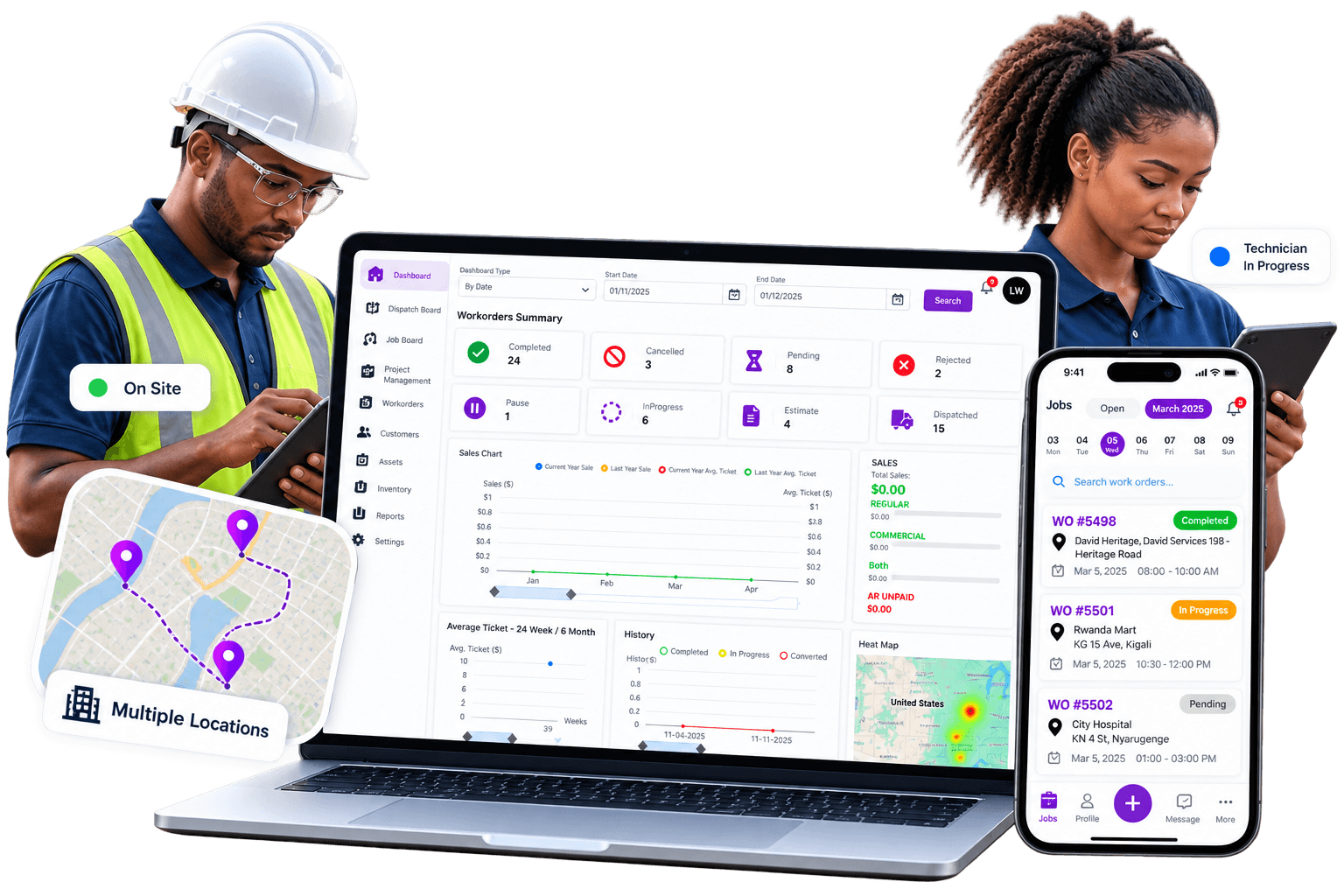
One Platform for Your Whole Operation
Work orders, scheduling, mobile access, invoicing, and business visibility — see how the real WorqWize platform connects your office and field teams.
Everything a Work Order Touches
One record follows the job from scheduling to invoice — with the right view for whoever's looking at it. Explore the platform below, or jump straight to the part that matters most to your team.
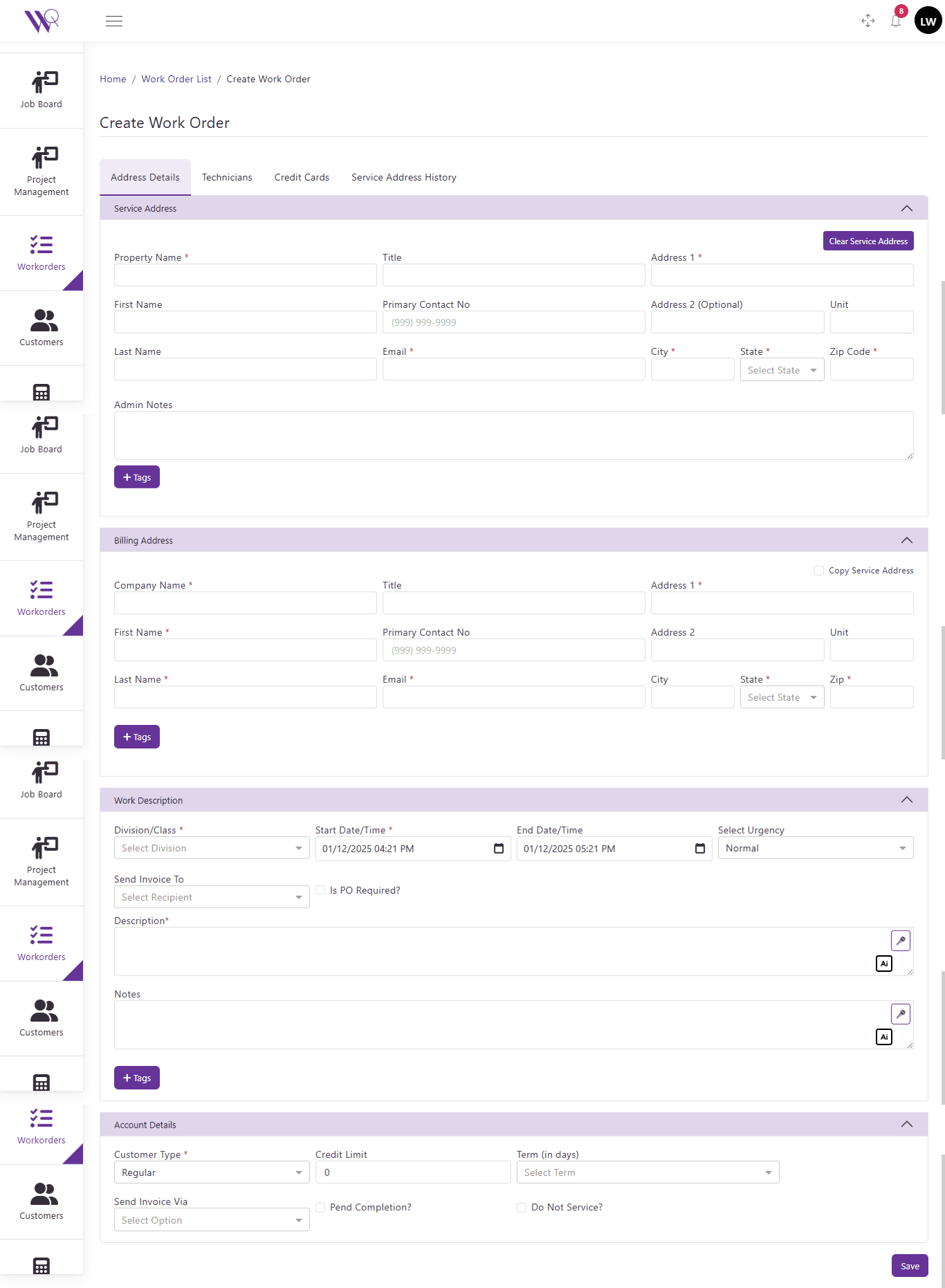
Work Order Management
Run Every Job From One Place
Give your office and field teams one place to create, organize, assign and follow work from request to completion.
- Create and manage work orders
- Assign technicians and track job progress
- Keep customer and service information connected
- Reduce manual administrative work
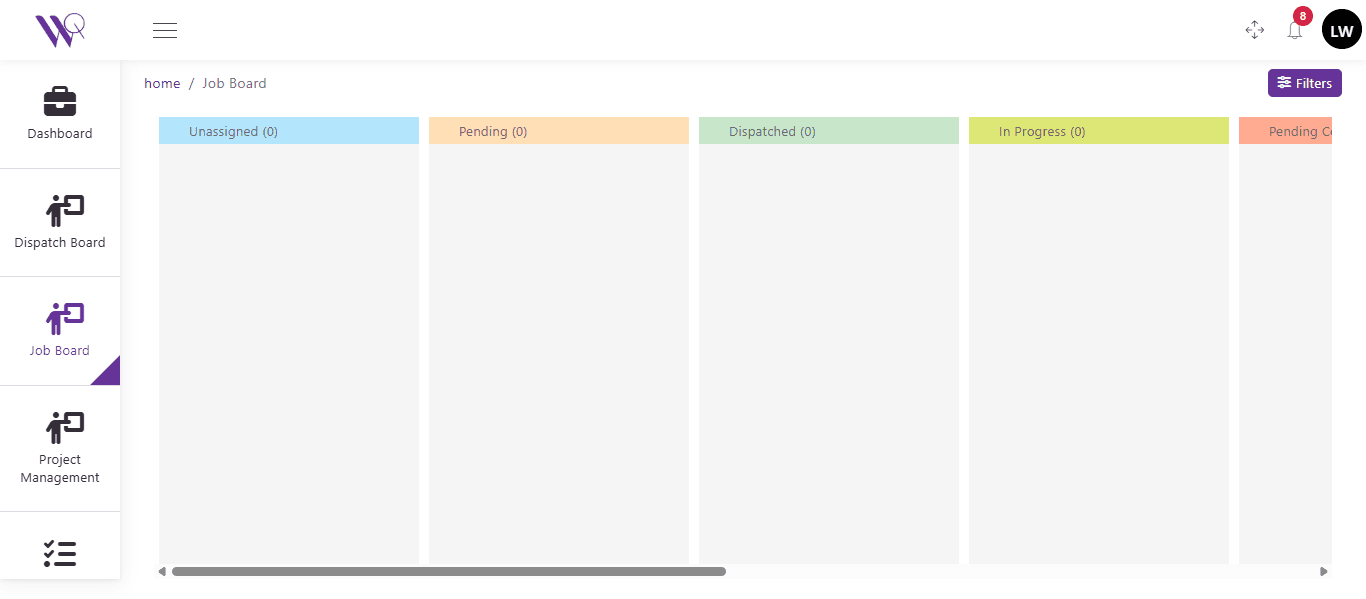
Smart Scheduling & Dispatch
Get the Right Technician to the Right Job
Make daily scheduling easier by giving dispatchers clear visibility into jobs, technicians and field activity.
- Schedule and dispatch jobs efficiently
- See technician assignments
- Respond faster when schedules change
- Keep office and field teams coordinated
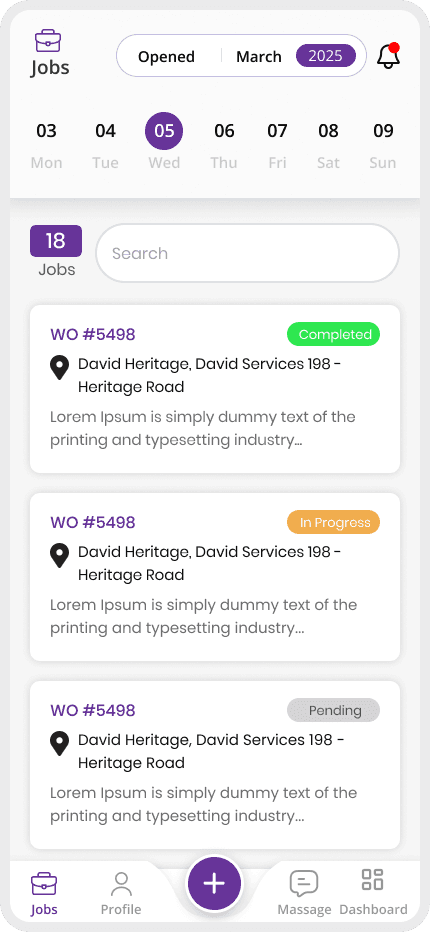
Field & Mobile Operations
Keep Your Field Team Connected Wherever They Work
Give technicians access to the information they need while working in the field and keep job progress visible to the office.
- Access assigned jobs from mobile
- View important job and customer details
- Update work status from the field
- Keep office teams informed
Business Visibility
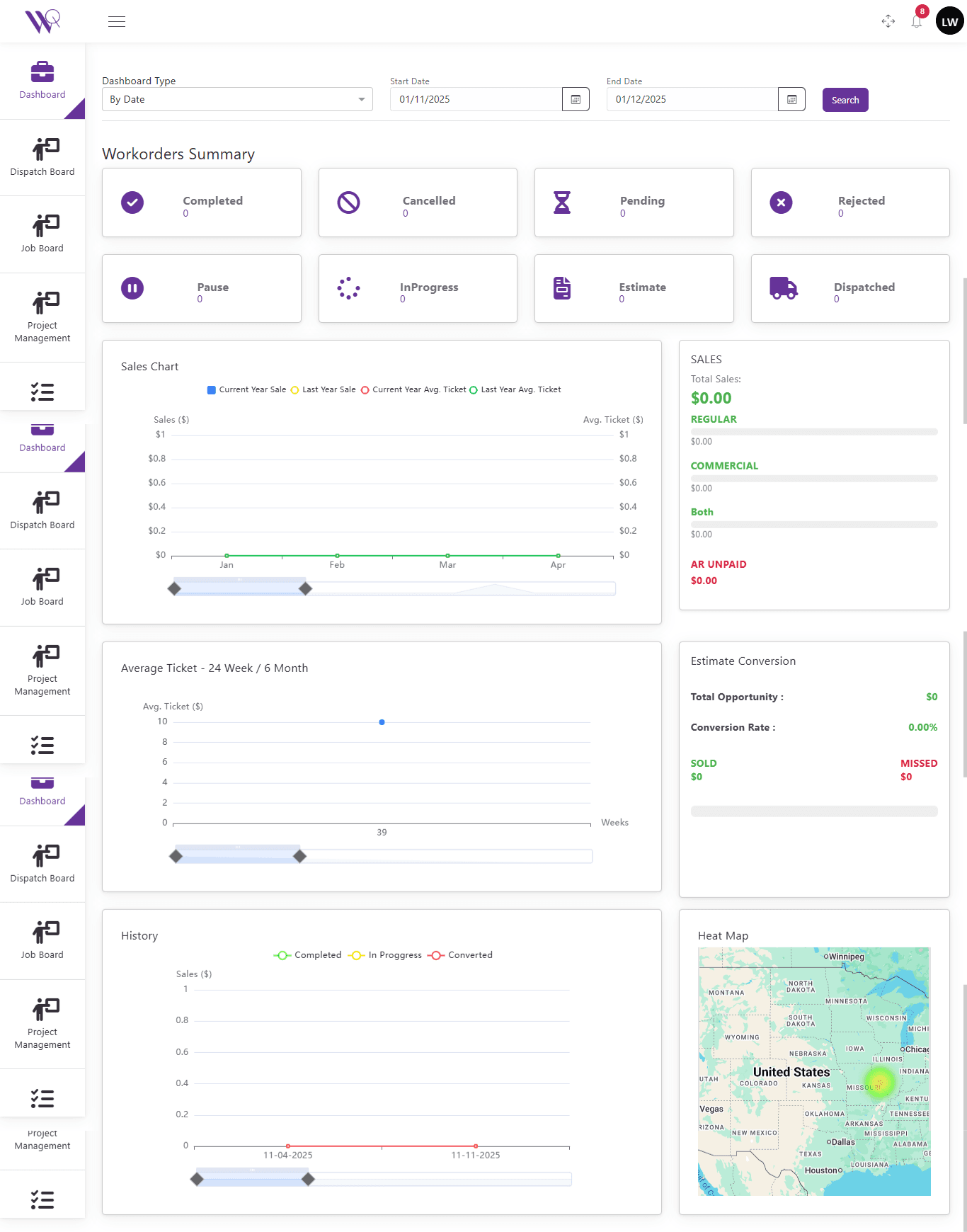
Know What's Happening Across Your Operation
Turn day-to-day field activity into useful operational visibility so managers can understand jobs, sales, estimates and team performance from one place.
- Monitor work-order status
- Review sales and operational information
- Track estimates and job activity
- See field activity and location information
Invoicing
From Completed Work to Paid Invoice
Create, send, and track invoices in minutes instead of chasing paperwork.
- Generate invoices from completed work orders
- Send invoices directly to customers
- Track invoice and payment status
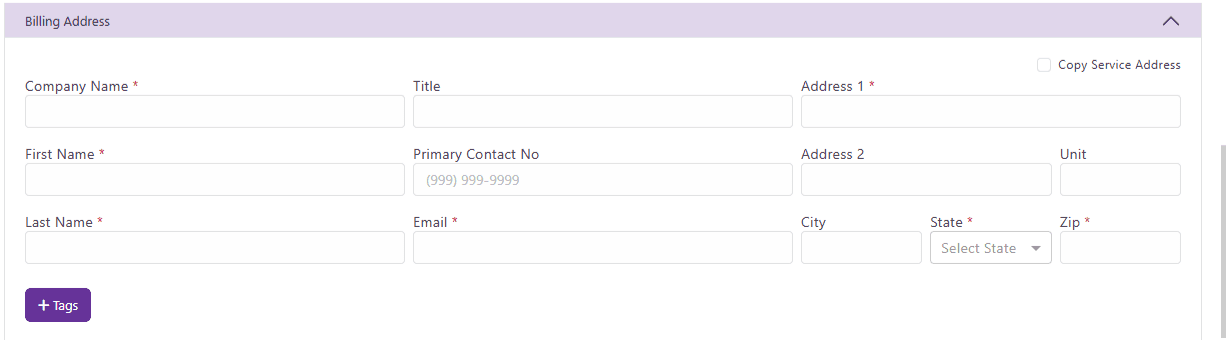
One work order, three points of view
Role determines terminology and controls, not the underlying data. A Job and a Project can be the exact same work order.
Technician
Works the Job
- Sees assigned Jobs on a day-by-day calendar
- Accepts or rejects work, logs notes and photos
- Captures customer signature and completes sign-off
Contractor
Manages the Project
- Same work order, labeled as a Project
- Adds purchase orders and invoice line items
- Reviews sign-off; no field-only controls
Admin
Oversees everything
- Full visibility across technicians and contractors
- Approves purchase orders and pricing
- Reporting across every project and job
Finally, a field management tool that syncs perfectly with QuickBooks. No more double-entry headaches — our estimates convert to jobs effortlessly.
Mike R
Owner, ElectroTech Solutions
Ready to Simplify Your Field Operations?
See how WorqWize connects your office and field teams, helping you manage jobs, technicians, customers, and operations from one platform.
Get a Demo