Alerts & Notifications
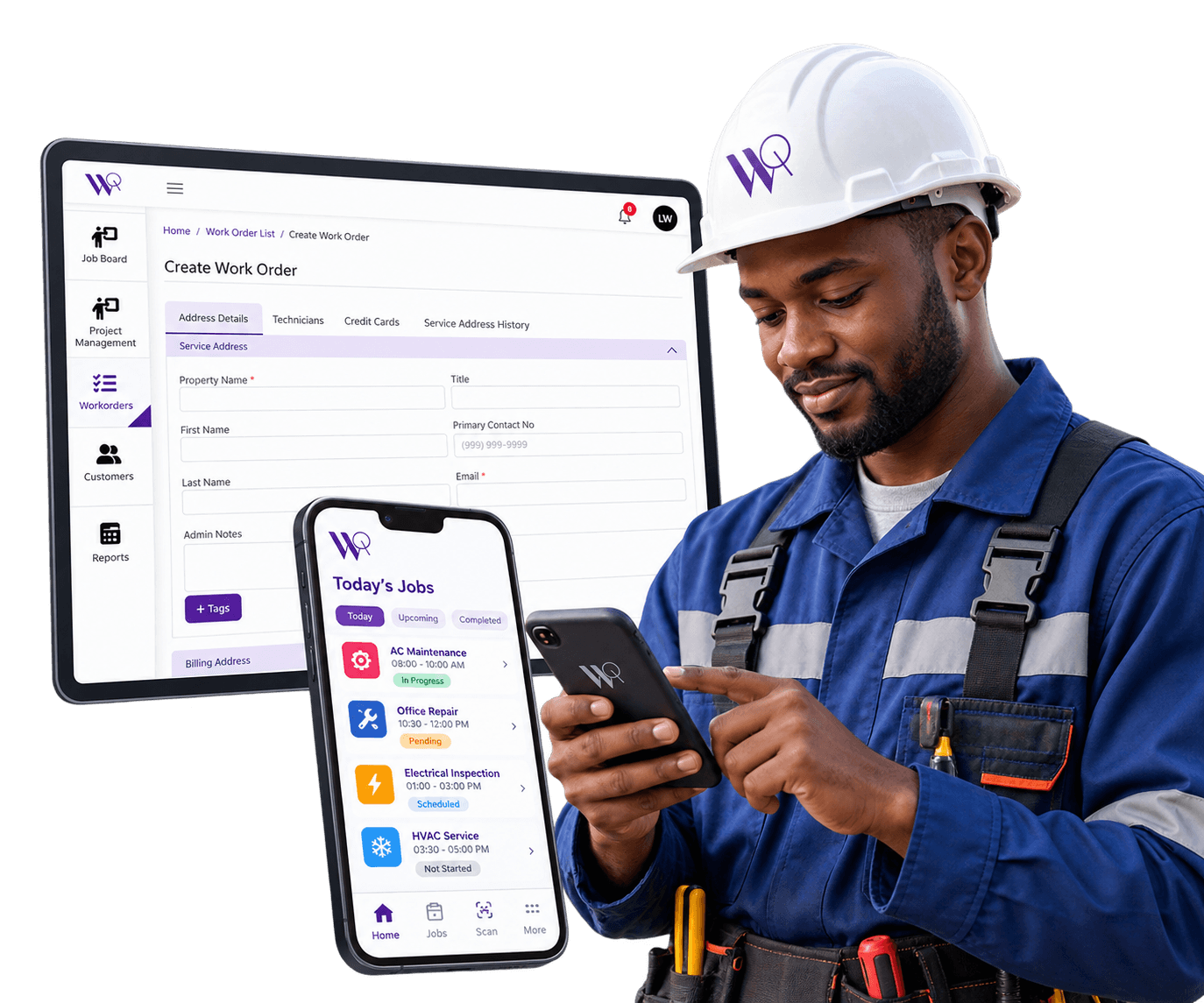
Live status badges keep technicians and the office looking at the same up-to-date picture of every job.
Get a DemoKnow What's Happening Without Having to Ask
Manually checking in on job status — a phone call here, a text there — wastes time for both the office and the field. WorqWize's live status badges update automatically as work happens, so everyone looking at a job or the Job Board sees the same up-to-date picture without anyone having to report it in.
Live Status Badges, Not Manual Check-Ins
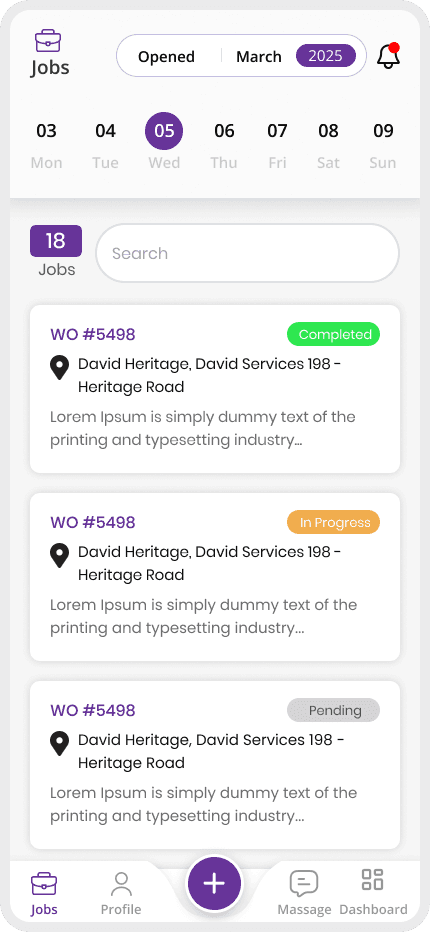
A job's status badge updates in real time as work happens, instead of the office having to call the field to ask.
Job Status Visible at a Glance
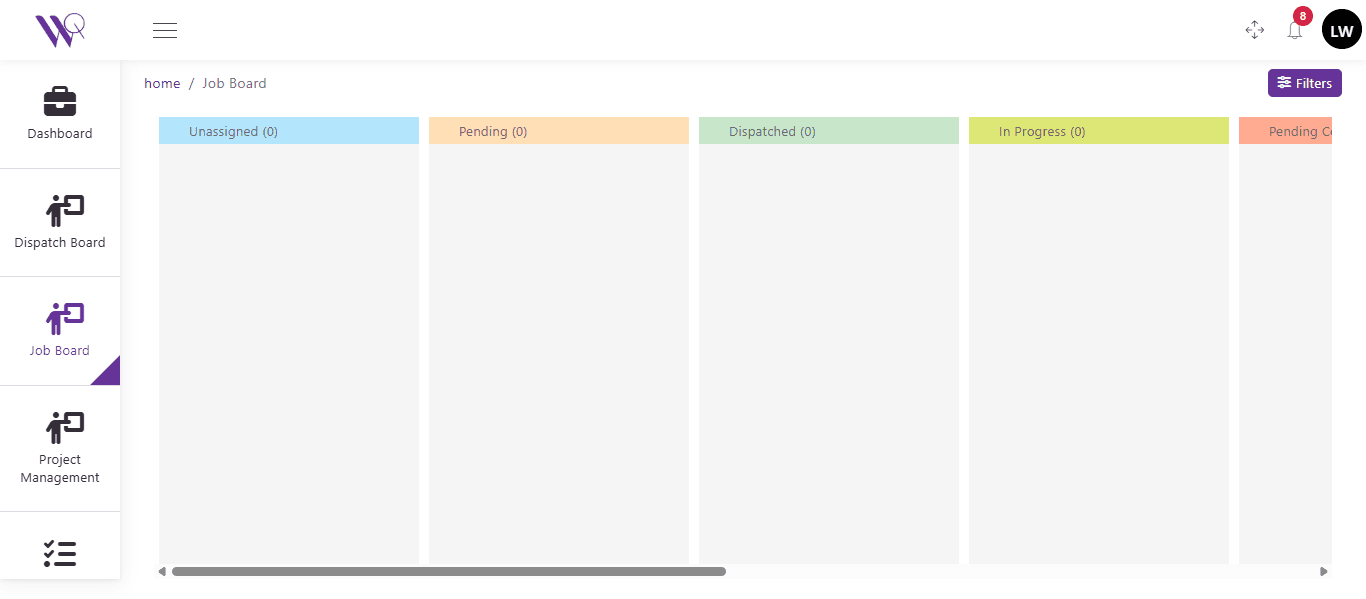
Anyone looking at the Job Board or a work order sees the current status immediately — Unassigned, Dispatched, In Progress, Completed.
As a growing electrical contractor, WorqWize helped us manage 50+ daily jobs without chaos. The analytics dashboard is a game-changer for profitability.
Lisa K
CEO, VoltField Services
Real Impact From Alerts & Notifications
27%
Faster Response to Job Status Changes
32%
Faster Office Awareness of Field Activity
22%
Higher Satisfaction From Timely Updates
Who Benefits From Alerts & Notifications
Technician
Field Crew
- Their job status badge updates the moment work changes, without a call to check in
- Sees assigned Jobs on a day-by-day calendar
- Accepts or rejects work, and logs notes and photos from the field
- Captures the customer's signature and completes sign-off on site
Contractor
Subcontractors
- Sign-off and invoice status changes surface the same way a Technician's job status does
- Sees the same work order, labeled as a Project instead of a Job
- Adds purchase orders and invoice line items to their Project
- Reviews sign-off without seeing field-only technician controls
Admin
Office & Ownership
- Sees status changes across every technician and contractor as they happen
- Has full visibility across every technician and contractor
- Approves purchase orders and pricing before work proceeds
- Gets reporting across every project and job in one place
Ready to Simplify Your Field Operations?
See how WorqWize connects your office and field teams, helping you manage jobs, technicians, customers, and operations from one platform.
Get a Demo