Mobile Forms
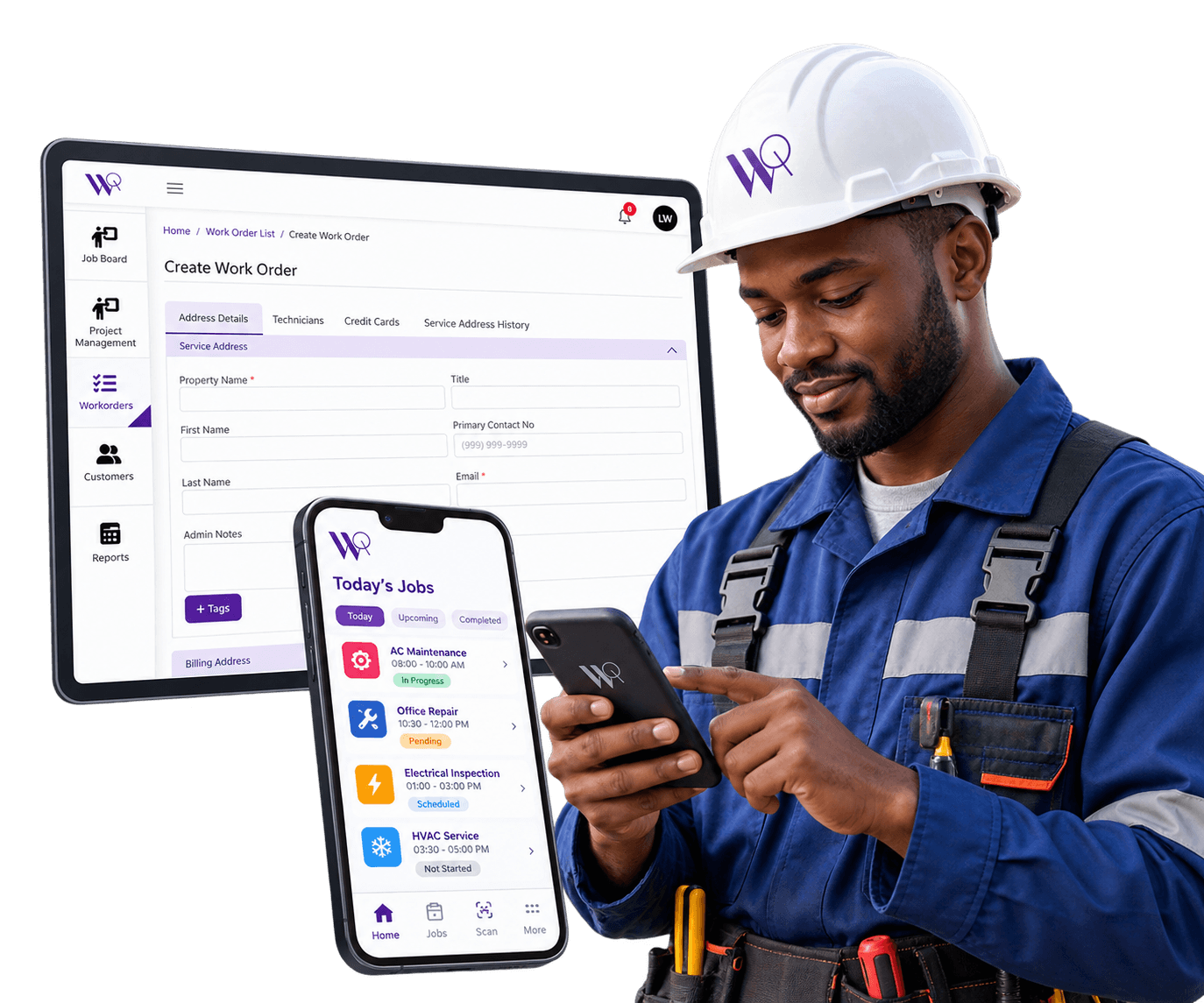
Technicians capture job details and status directly in the WorqWize mobile app as the work happens, keeping the office in sync in real time.
Get a DemoStatus Updates Without the Paper Trail
Paper forms and end-of-day phone calls mean the office is always a step behind what's actually happening in the field. WorqWize's mobile forms update the work order the moment status changes, so the record technicians and the office are both looking at is always current — not reconstructed from notes after the fact.
Status Updates Happen Where the Work Happens
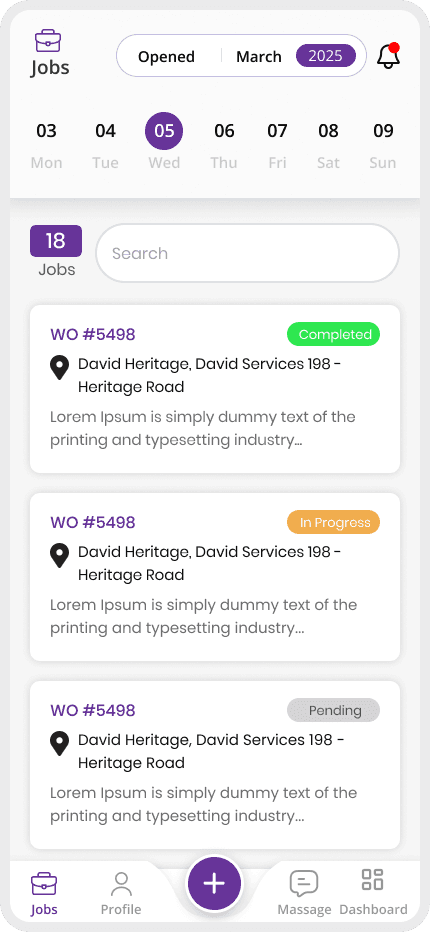
Technicians update a job's status directly in the mobile app as they work, instead of writing it down and reporting it back later.
Job Details Captured on the Spot
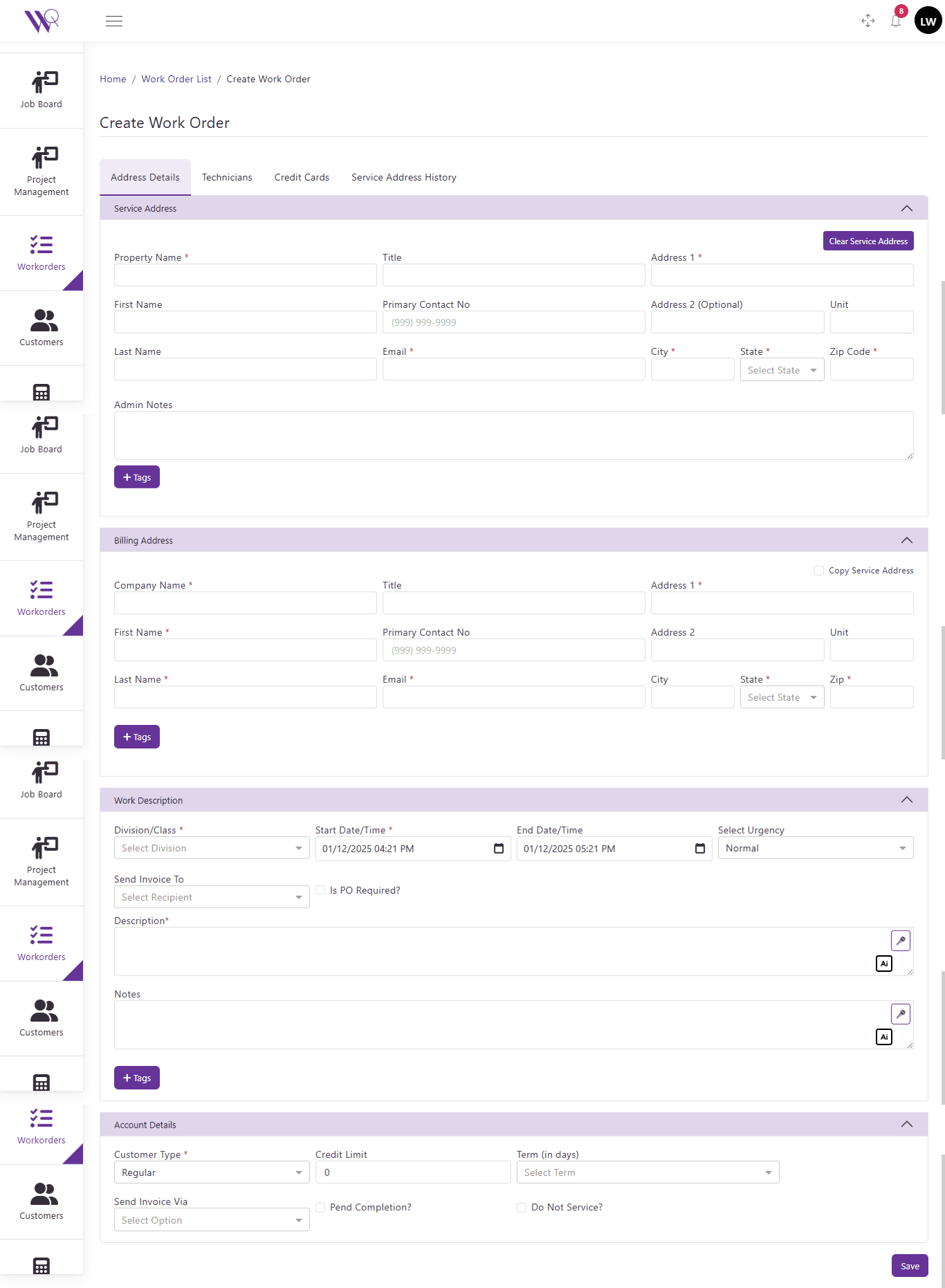
Details captured on mobile are attached straight to the work order, so nothing gets lost in a handoff back to the office.
WorqWize revolutionized our plumbing business. Work orders are now digital, technicians love the app, and our invoices go out same-day. Revenue up 28% in three months!
Sarah L
Operations Manager, Apex Plumbing Services
Real Impact From Mobile Forms
27%
Faster Status Updates From the Field
32%
Faster Office Visibility Into Job Progress
600,000
Jobs Tracked Through Mobile Status Updates
Who Benefits From Mobile Forms
Technician
Field Crew
- Updates job status directly from the field instead of writing it down and reporting back later
- Sees assigned Jobs on a day-by-day calendar
- Accepts or rejects work, and logs notes and photos from the field
- Captures the customer's signature and completes sign-off on site
Contractor
Subcontractors
- Status updates flow into the same Project record a Technician's Job uses — no separate system
- Sees the same work order, labeled as a Project instead of a Job
- Adds purchase orders and invoice line items to their Project
- Reviews sign-off without seeing field-only technician controls
Admin
Office & Ownership
- Sees status updates from every technician and contractor on the same work order in real time
- Has full visibility across every technician and contractor
- Approves purchase orders and pricing before work proceeds
- Gets reporting across every project and job in one place
Ready to Simplify Your Field Operations?
See how WorqWize connects your office and field teams, helping you manage jobs, technicians, customers, and operations from one platform.
Get a Demo