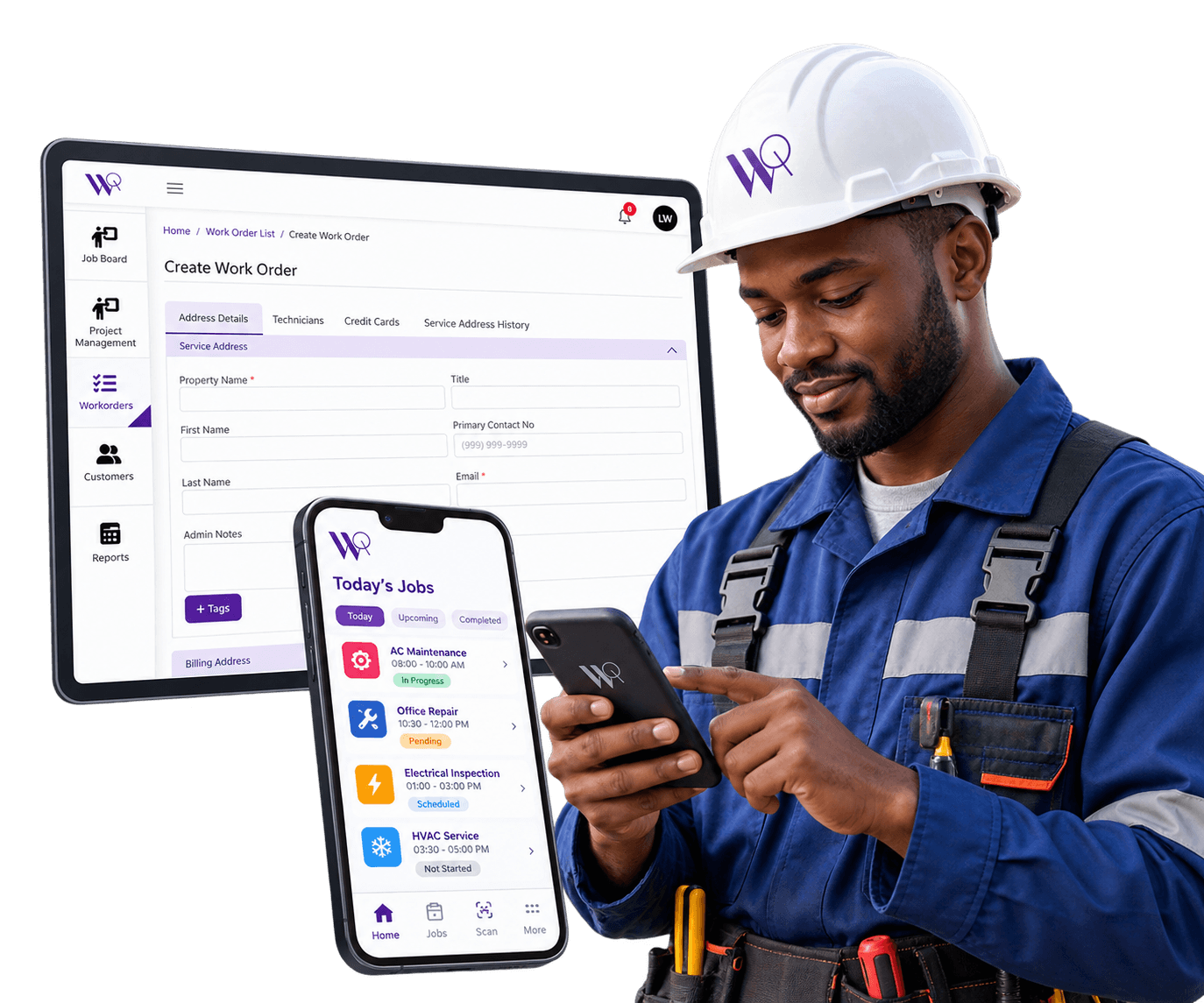
Route & Schedule Optimization
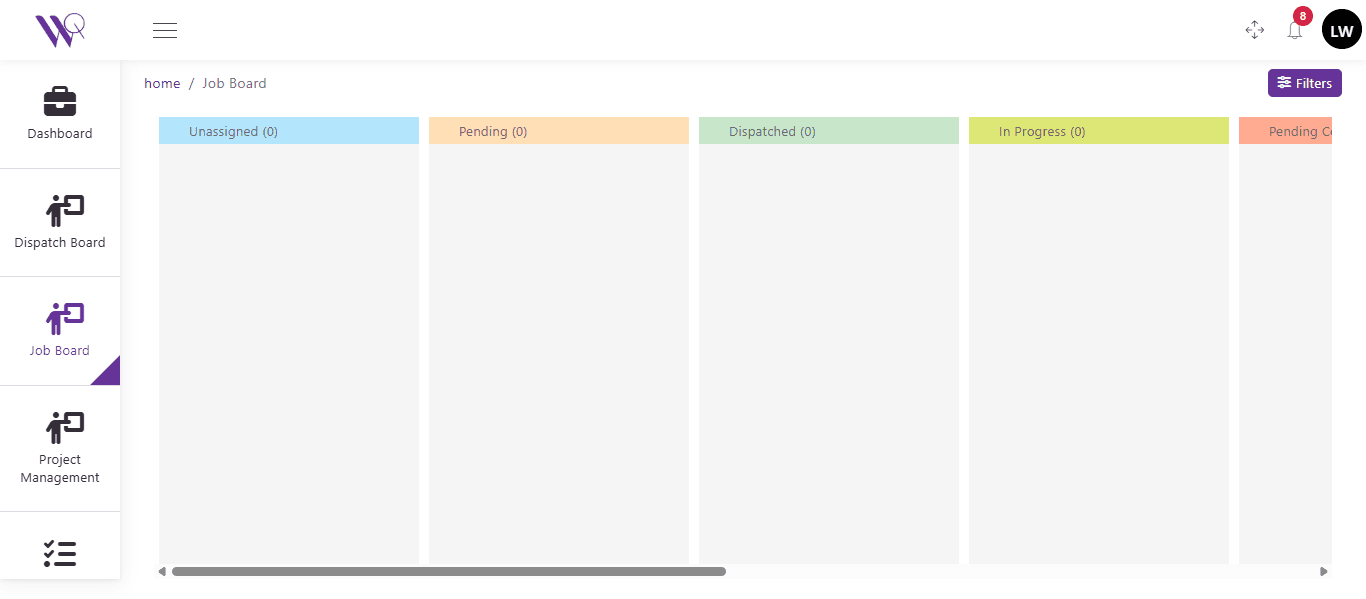
The Job Board gives dispatchers a clear, at-a-glance view of every job's status — Unassigned, Pending, Dispatched, In Progress — to help schedule efficiently.
Get a DemoScheduling Backed by Current Job Data
A schedule built on yesterday's information is already out of date by the time the day starts. WorqWize's Job Board reflects live job status as it changes, so dispatch decisions are based on what's actually happening in the field, not a plan that was accurate this morning and isn't anymore.
Every Job's Status, at a Glance
The Job Board's Unassigned, Pending, Dispatched, and In Progress columns give dispatchers a clear starting point for scheduling efficiently.
Scheduling Decisions Backed by Real Job Data
Dispatchers schedule from the same live job data the field is working from, not a separate planning tool that falls out of sync.
As a growing electrical contractor, WorqWize helped us manage 50+ daily jobs without chaos. The analytics dashboard is a game-changer for profitability.
Lisa K
CEO, VoltField Services
Real Impact From Route & Schedule Optimization
32%
Faster Scheduling Decisions From Live Job Data
27%
Better Scheduling Efficiency
600,000
Jobs Scheduled From the Job Board
Who Benefits From Route & Schedule Optimization
Technician
Field Crew
- Works from the same live schedule dispatch is scheduling from, not a plan that's already out of date
- Sees assigned Jobs on a day-by-day calendar
- Accepts or rejects work, and logs notes and photos from the field
- Captures the customer's signature and completes sign-off on site
Contractor
Subcontractors
- Their Projects are scheduled from the same live Job Board data as a Technician's Jobs
- Sees the same work order, labeled as a Project instead of a Job
- Adds purchase orders and invoice line items to their Project
- Reviews sign-off without seeing field-only technician controls
Admin
Office & Ownership
- Sees scheduling decisions backed by current job data across the whole team
- Has full visibility across every technician and contractor
- Approves purchase orders and pricing before work proceeds
- Gets reporting across every project and job in one place
Ready to Simplify Your Field Operations?
See how WorqWize connects your office and field teams, helping you manage jobs, technicians, customers, and operations from one platform.
Get a Demo