Solutions for Field Technicians
Everything a technician needs — assigned jobs, customer details, and status controls — from their phone.
Get a DemoEverything You Need, In Your Pocket
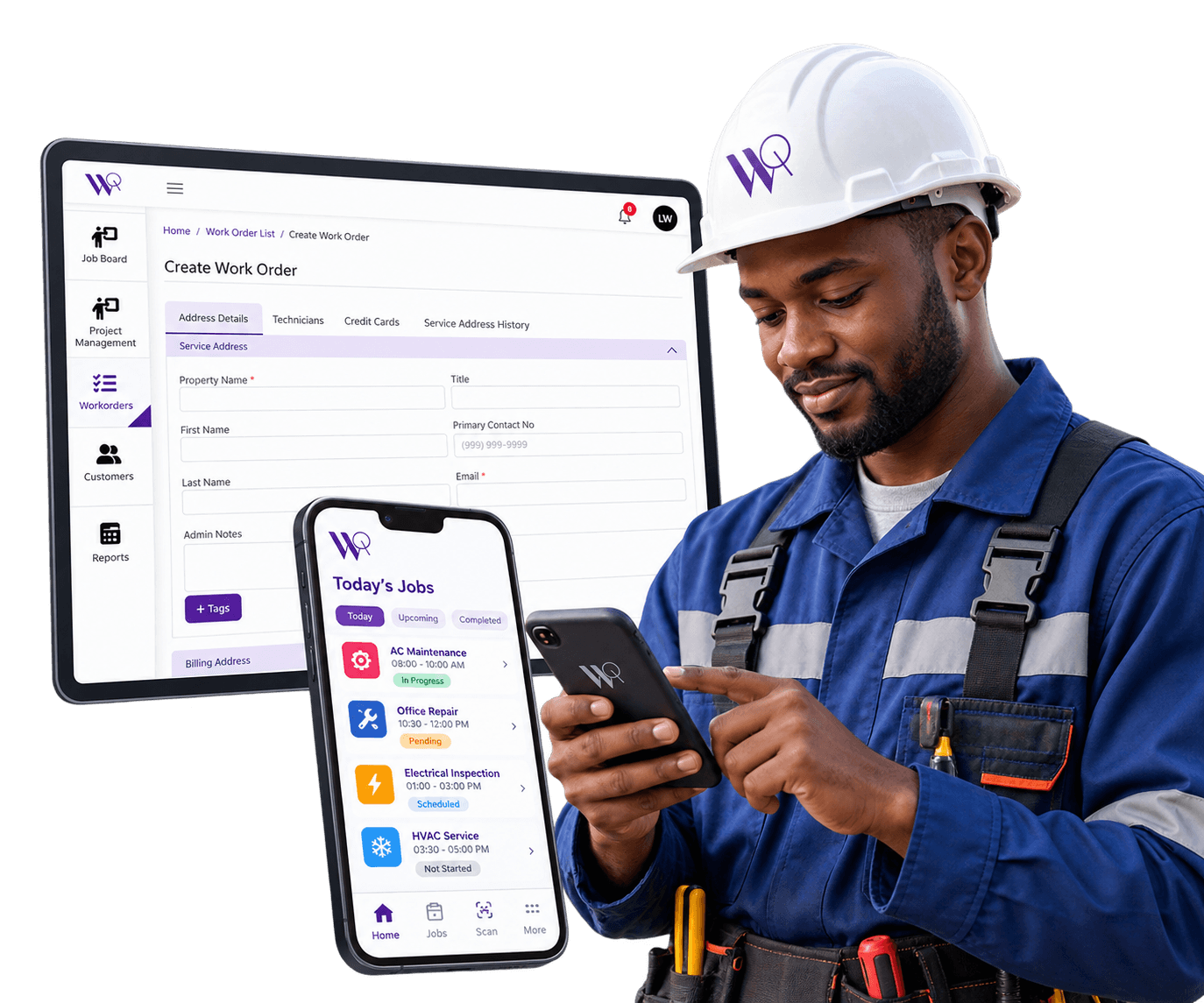
Technicians shouldn't have to call the office for job details or carry a separate paper packet to every visit. WorqWize's mobile app puts your assigned jobs, customer history, and service address on your phone, and reads from the same work order data the office is looking at, in real time.
Field Technicians
What WorqWize Provides for Field Technicians
Everything a technician needs — assigned jobs, customer details, and status controls — from their phone.
- See assigned jobs on a day-by-day calendar, not a paper schedule
- Get customer history and service address before you arrive
- Accept or reject jobs and log notes and photos from the field
- Capture the customer's signature and complete sign-off on site
- Update job status the moment work changes, without a phone call
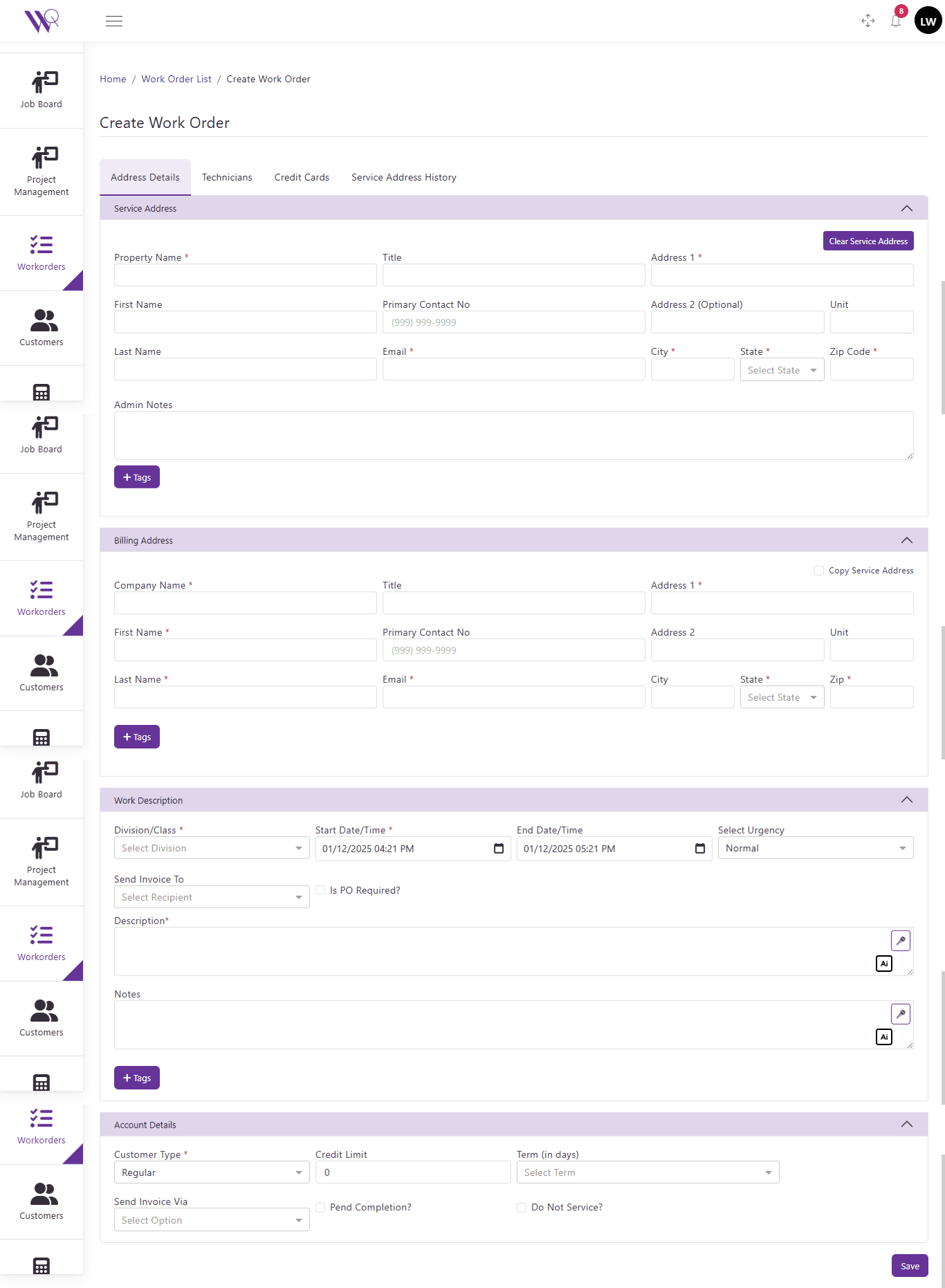
- Work from the same data the office dashboard is already using
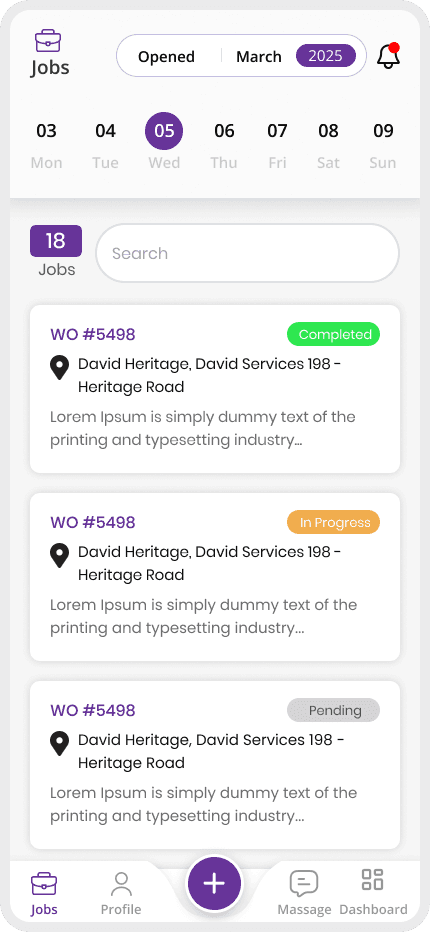
Your Jobs, On a Weekly Calendar
See exactly which jobs are yours for the day and what's coming up next, pulled from the same schedule dispatch is working from.
Job Details Before You Arrive
Customer history, service address, and job notes travel with the work order, so you show up with the context you need — no callback to the office required.
Update Status as You Work
Accept or reject jobs, log notes and photos, and capture the customer's signature to complete sign-off — all from the app.
Built for the Way Technicians Actually Work
Field work doesn't happen at a desk. WorqWize's mobile app is built for technicians working in the field, not adapted from a desktop tool after the fact — the same jobs, customers, and status updates the office sees are available on your phone.
Ready to Simplify Your Field Operations?
See how WorqWize connects your office and field teams, helping you manage jobs, technicians, customers, and operations from one platform.
Get a Demo